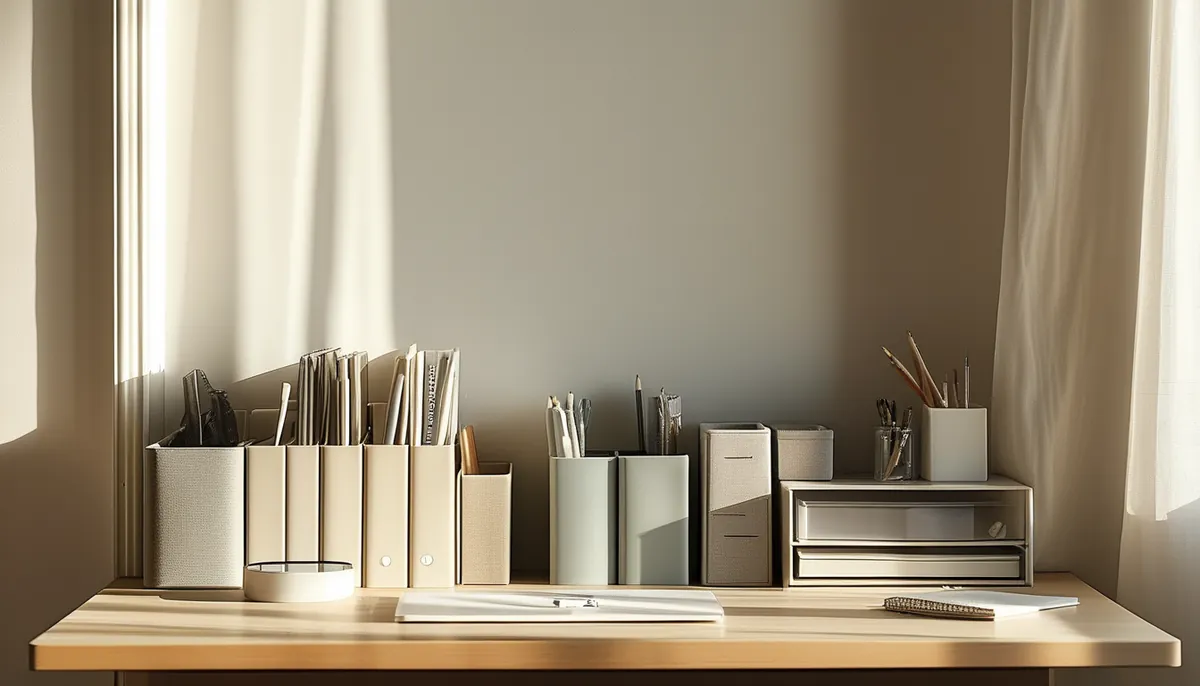
A desk gets cluttered for a mechanical reason before it gets cluttered for a behavioral one. The objects you touch every hour have no home inside your reach arc, so they live on the surface, and the surface is the only place left. Fix the geometry and the habit follows; buy another set of matching bins and you will be back here in three weeks.
Start with what a working surface actually needs. A laptop plus an external keyboard consumes roughly 24 inches of width and 20 inches of depth. A 27-inch monitor on its factory stand takes a footprint about 9 inches deep and pushes the screen only 9 inches back from the front of the base. On a 24-inch-deep desk that leaves you looking at a screen from about 18 inches, which is too close, and it leaves no room to write. A monitor arm clamps to the back edge, recovers that entire footprint, and is the single highest-value purchase on this list.
Set the ergonomics before you set the layout
Organizing around a bad posture just makes the bad posture tidy.
Fixed-height desks are almost universally 29 to 30 inches to the top surface, which is sized for a 6-foot person typing with a chair at about 18 inches. Set your chair first: feet flat, thighs roughly parallel to the floor, elbows at 90 degrees with shoulders down. Now measure where your forearms land. If they are below the desk surface, raise the chair and add a footrest. If the desk is too tall to reach comfortably even at a raised chair height, a keyboard tray mounted under the desk buys back 2 to 3 inches.
Monitor: top of the visible screen at or slightly below eye level, screen 20 to 30 inches from your eyes, tilted back about 10 to 20 degrees. For a laptop as your only screen, that means a riser plus an external keyboard, because a laptop cannot put the screen and the keys at the right heights at the same time.
With a dual-monitor setup, put the primary screen dead center in front of you and the secondary at an angle beside it, not two screens straddling your center line. Any layout that has you turning your head to read the screen you use most will produce neck pain in a month.
Zone the surface by reach, not by category
Sit down, hold your elbow at your side and sweep your forearm across the desk. That arc, about 10 to 16 inches out from the front edge, is the primary zone. Only the things you touch multiple times an hour belong in it: keyboard, mouse, notebook, water, phone if you use it for calls.
The secondary zone runs from roughly 16 to 26 inches out and requires leaning. Pens, a task light, a small tray for whatever you are working on today. Anything past 26 inches is storage, not workspace, and putting a frequently used object there guarantees it migrates forward and stays.
Handedness matters and people ignore it. Mousing hand gets the open half of the desk; the pen cup, the notebook and the phone go on the other side. If you write on paper daily, leave a clear rectangle of at least 14 by 20 inches to the side of your keyboard rather than trying to write on top of it.
The three-object test keeps the primary zone honest: at any moment, count the items in it. Above about six and the surface has started collecting again. Whatever the extra items are, they need a home in the secondary zone or they need to leave the room.
Cables are the whole battle
An unmanaged desk has eight to twelve cables and every one of them is a reason not to move anything. Do this once and it stays solved.
Mount a power strip to the underside of the desk with screws or heavy-duty adhesive strips, near the back and toward the wall side. Every wall wart plugs in there and never touches the floor. Add an under-desk cable tray, either a wire basket that screws to the underside or a J-shaped channel, and run the horizontal spans through it.
Leave a 6-inch service loop on any cable connected to something that moves: monitor arm, laptop, anything on a sit-stand base. Cables pulled tight will unplug themselves the first time the desk goes up. Label both ends of every cable with a wrap of tape and a pen. You will not remember which black USB-C cable is the dock in nine months.
Consolidate chargers into one multi-port block rather than four bricks, and route exactly one cable up onto the desk surface for phone and headphones. A single grommet hole or a clip on the back edge keeps that cable from sliding off and disappearing behind the desk.
Go vertical before you buy more drawers
The cheapest square footage in an office is on the wall. A floating shelf above the desk, mounted 16 to 20 inches above the surface, holds reference books and a plant without touching your work area. Keep it 8 to 10 inches deep; deeper shelves shade the desk and feel oppressive over a seated head.
Depth on a shelf above a monitor should clear the top of the screen with the monitor at full tilt, and mount it into studs or with rated toggle anchors, since a shelf of books over a workstation is not the place for plastic drywall plugs.
A pegboard or slat panel on the wall behind the desk is better than a drawer for scissors, cables, tape and headphones, because visible storage does not accumulate archaeology the way a closed drawer does. Give each item a fixed spot and the wall doubles as an inventory check.
Under the desk, a shallow drawer 2 to 3 inches deep beats a deep one. Deep drawers become bins, and bins become sediment.
Paper needs exactly one entry point
Every sheet that enters the room goes in one tray. Not two, not a pile on the corner, one tray. Then set a recurring 15-minute slot once a week to empty it, sorting into three outcomes only: act, file, shred. Anything with no clear outcome is shred, and you will be right about 95 percent of the time.
The action items go into a single folder that lives in the secondary zone, not the tray, and that folder should be thin enough to close. If it will not close, the list is not a paper problem.
Digital equivalents follow the same rule: one downloads folder cleared weekly, one desktop that gets emptied Friday afternoon. A desktop covered in file icons produces the same low-grade friction as a covered desk.
The two-minute reset
At the end of each working day, put the primary zone back to its default: keyboard square to the monitor, mouse to its spot, notebook closed and stacked, cup out of the room, papers in the tray. It takes under two minutes and it means you start the next morning in a workspace instead of in yesterday’s leftovers.
Once a month, pull everything off the surface, wipe it down, and put back only what you used since the last reset. Whatever you hesitate over goes in a box for 30 days. If you did not open the box, its contents were storage all along.
Things that do not belong on a desk
A printer, unless you print daily; it occupies prime surface area for a weekly task and belongs on a nearby shelf or cart. Full-size speakers, when a small pair or headphones do the job in a room this size. Stacks of reference books that you consult twice a year. Any decorative object taller than the monitor, which crowds your peripheral vision and makes a small desk feel smaller.
One plant, one framed photo, one lamp. That is a decorated desk. Beyond that you are decorating your reach zone, and your reach zone is the one resource on a desk you cannot buy more of.